



To check the driver's license code for a car, you can follow these steps:
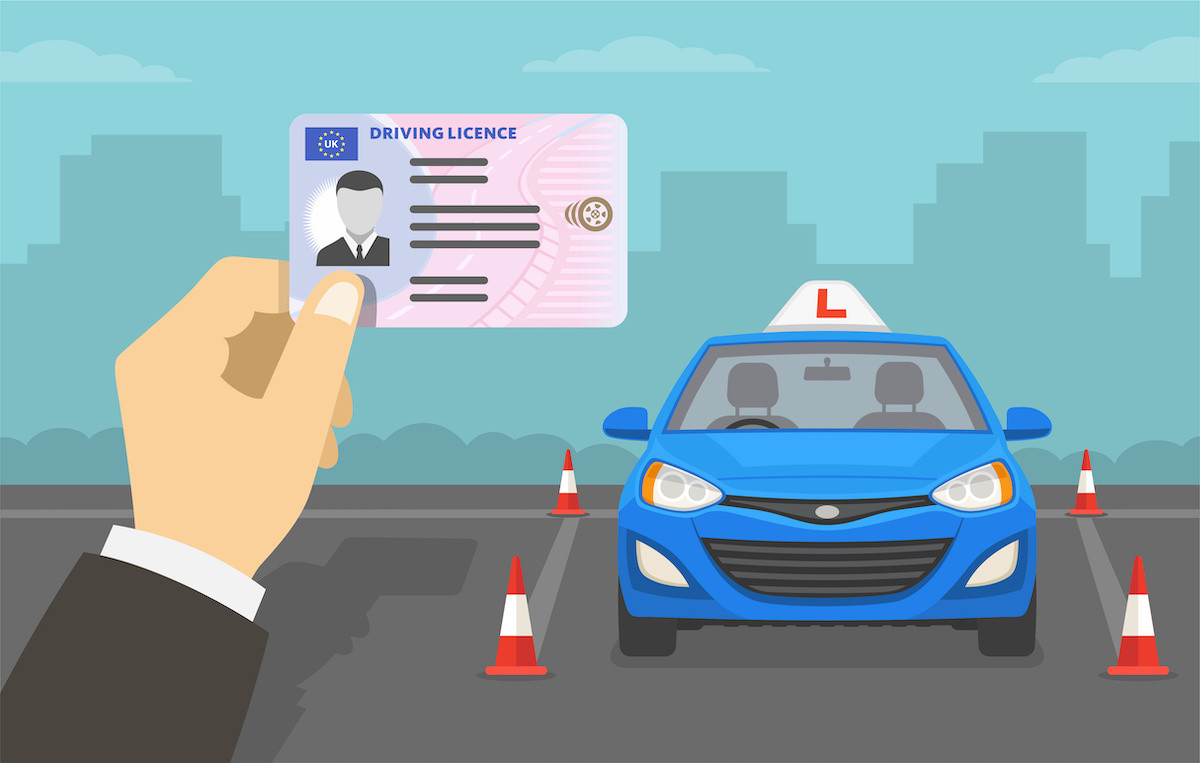
1. Identify the license code: The driver's license code for a car is typically a combination of letters and numbers that uniquely identifies a specific license. It can usually be found on the physical license card or any relevant documentation provided.
2. Visit the relevant authority's website: Go to the website of the appropriate authority responsible for issuing driver's licenses in your country or region. This could be the Department of Motor Vehicles (DMV) or a similar agency.
3. Look for license verification or lookup section: Navigate to the section on the website specifically dedicated to license verification or license lookup. It may be labeled as "License Check," "License Verification," or something similar.
4. Enter the license code: Once you have located the license verification section, enter the driver's license code into the provided field or search bar. Ensure that you input the code accurately to ensure accurate results.
5. Submit the search: After entering the license code, submit the search or verification request. The website will process the information and retrieve the relevant details associated with the driver's license code.
6. Review the results: Once the search is complete, the website will display the results related to the driver's license code. This may include information such as the licensee's name, license status, expiration date, endorsements, and any restrictions associated with the license.
Please note that the specific process and availability of online license verification may vary depending on your country or region. It's important to consult the official website of the relevant licensing authority for accurate and up-to-date information on how to check the driver's license code.
Nội dung bài viết:





Bình luận